How to Sign In to Your GEO Account
Sign In
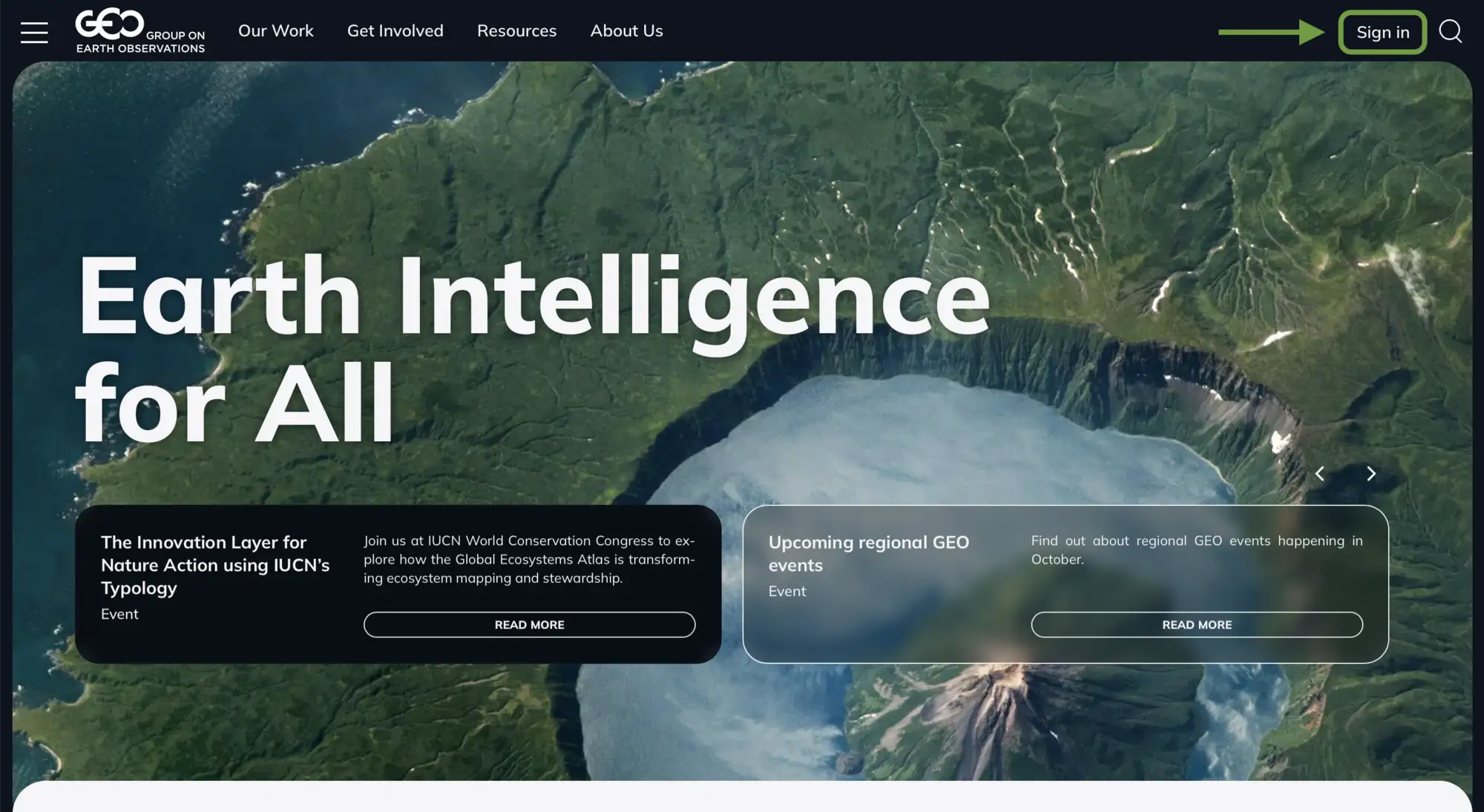
On the top right corner of the page, click the Sign in button to log into your account.
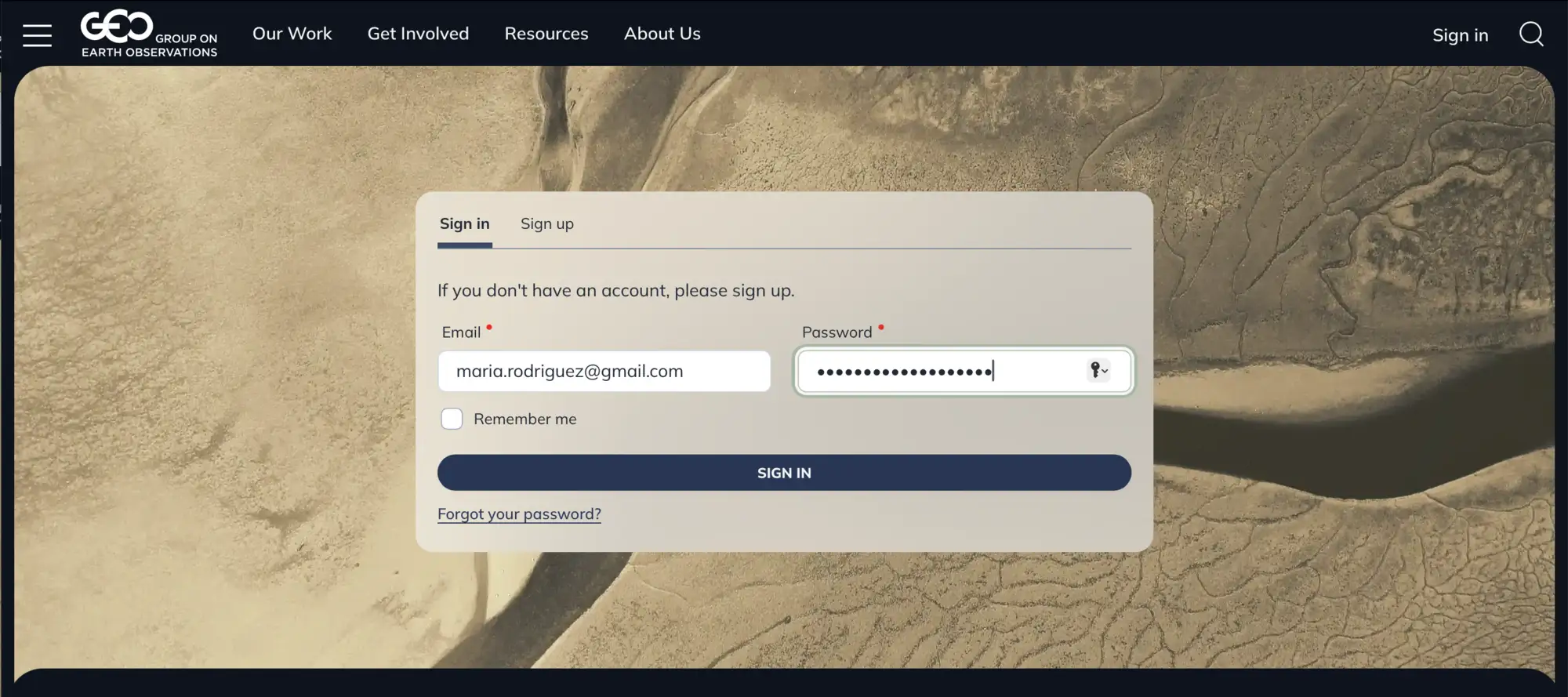
Access your GEO account using your registered email address and password on the sign in page.
Password Reset
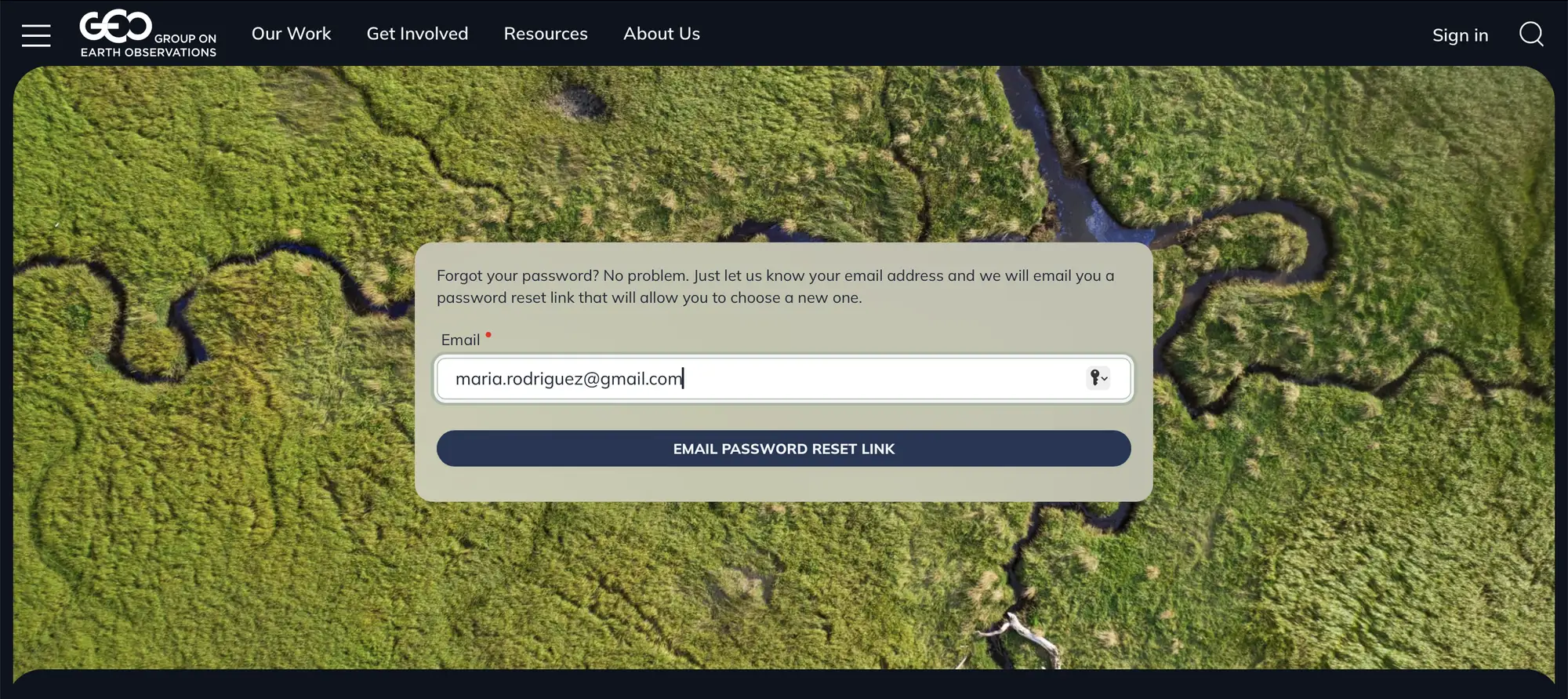
You have forgotten your password or never have set your password:
- Click "Forgot your password?" link on the sign in page
- Enter your email address
- Click "EMAIL PASSWORD RESET LINK"
- Check your email for the password reset link
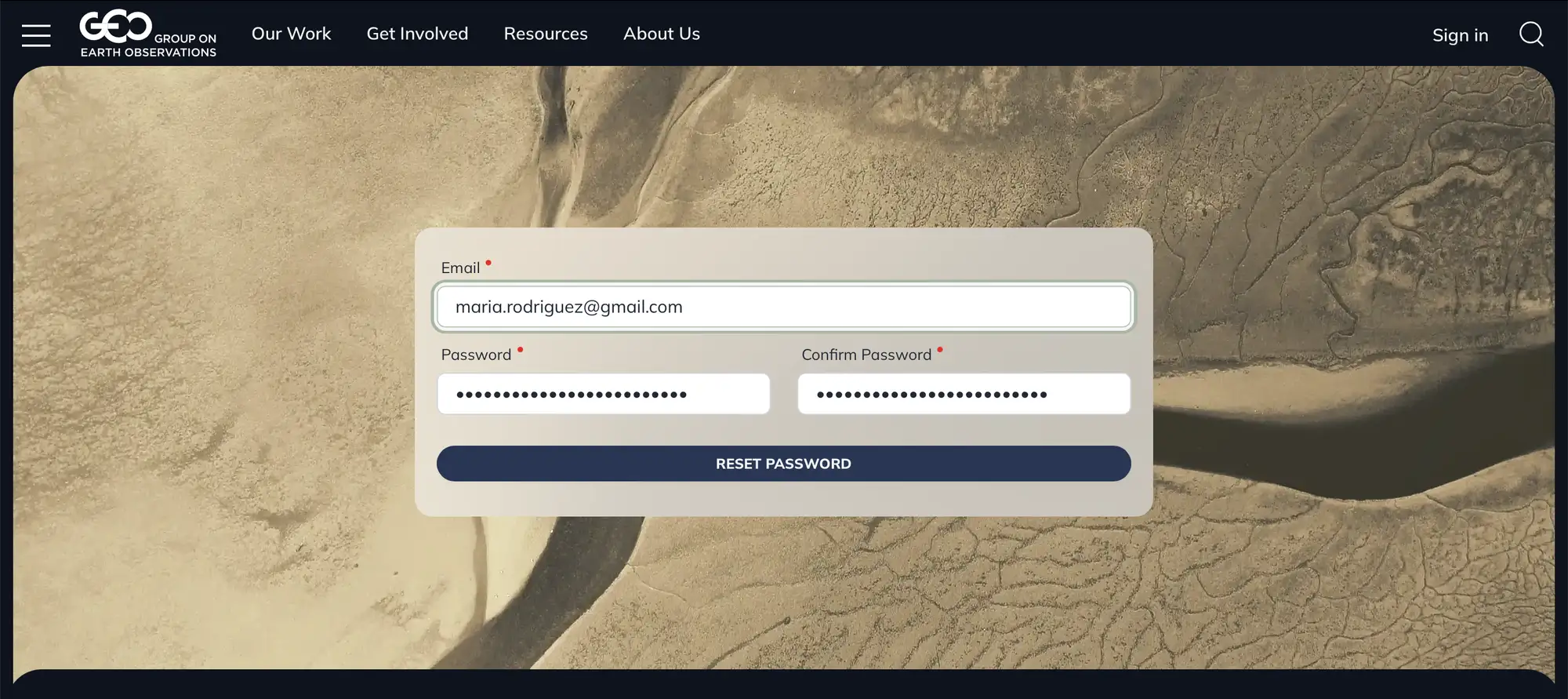
- Enter and confirm your new password
- Click "RESET PASSWORD"
After resetting your password:
- Enter your email address and your new password in the sign-in form
- Click “SIGN IN”
Sign Up
If you do not have an account yet:
- Click “Sign up” on the sign-in page
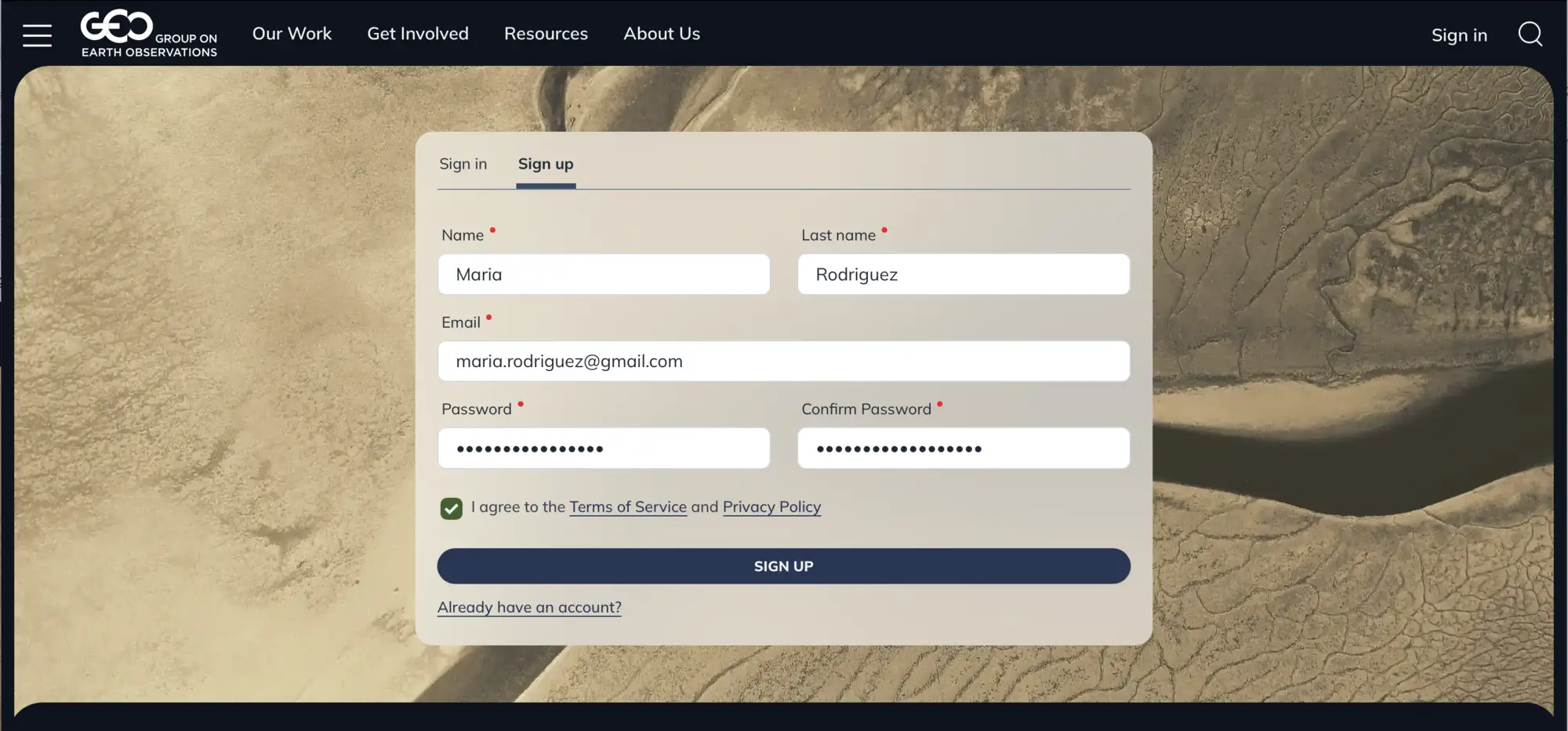
- Enter your first name, last name and email address
- Create a password and confirm it
- Agree to the Terms of Service and Privacy Policy
- Click “SIGN UP”
- Check your email and confirm your sign-up
After successful registration:
- Enter your email and password on the sign-in page
- Click “SIGN IN”
Account Dashboard
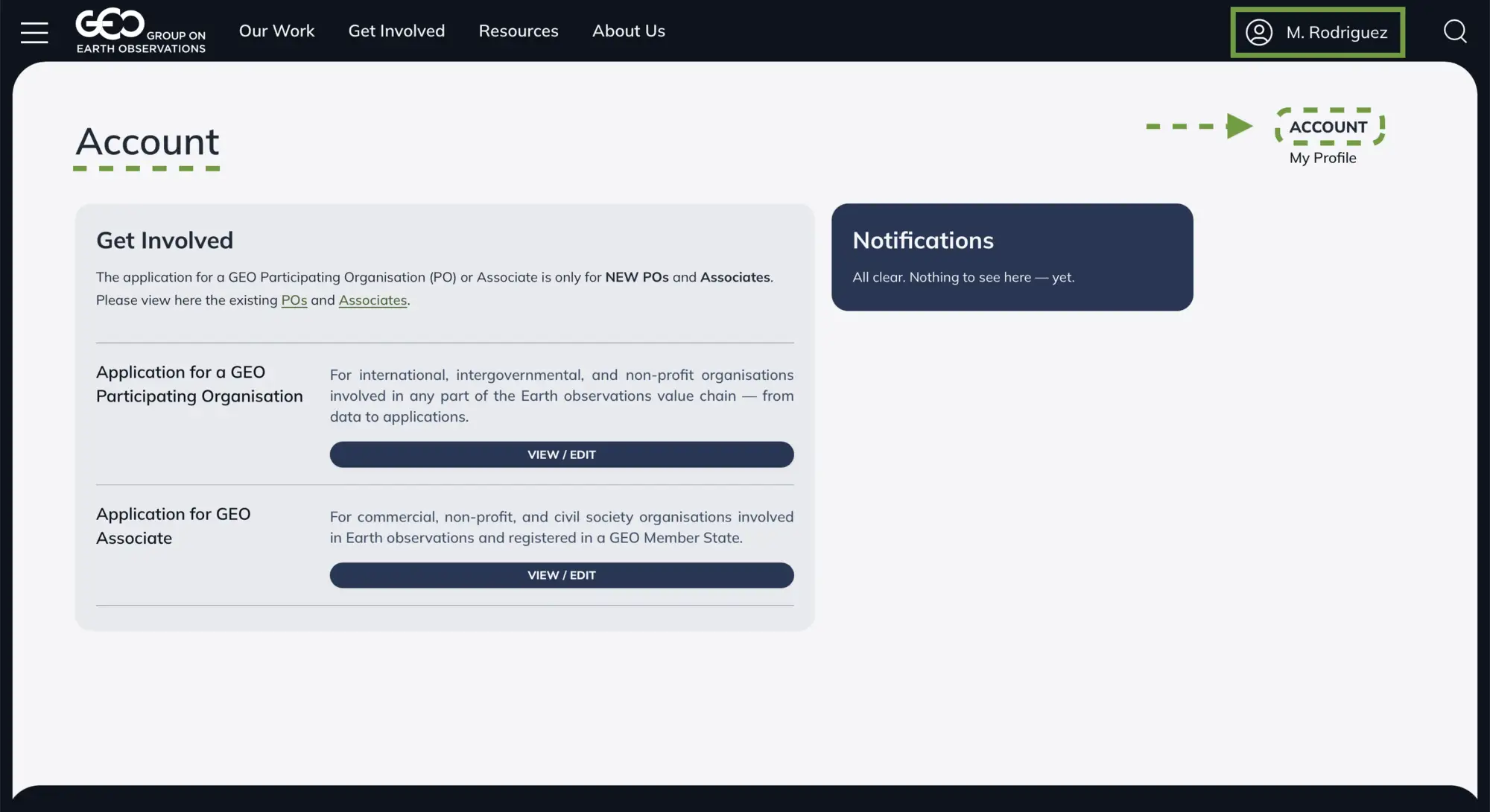
After successful sign in you will be redirected to your account dashboard
If you have any questions or need assistance, please contact the GEO Secretariat.